How to Optimize Your Resume for ATS Systems
Applying for a job today usually means your resume passes through an Applicant Tracking System (ATS) before it ever reaches a human recruiter. Organizations use these software platforms to store candidate profiles, manage job openings, organize incoming applications, and filter candidates based on specific qualifications.
If your resume relies on unconventional layouts, complex graphic elements, or missing industry terminology, the system may extract your information incorrectly or rank your profile below other qualified applicants.
Optimizing your resume for an ATS doesn't mean creating a robotic, soulless document. The ultimate goal is to design a well-structured resume that is not only easily parsed by software but also engaging, readable, and professional for human recruiters.
During the time I spent researching and building Resume-Tools, I realized that most users don't have a clear understanding of how ATS platforms actually function. Since these systems vary significantly in structure, many job seekers feel overwhelmed, unsure of how to create an output that gets them noticed. But the truth is, you don’t need to guess. You simply need to understand the logic behind these systems and what makes a resume readable for them. Drawing from my experience in developing this tool, I will guide you step-by-step on how to successfully navigate ATS screening. Let’s dive in and understand exactly how these systems work.
What Is an Applicant Tracking System (ATS)?
An Applicant Tracking System (ATS) is software designed to streamline the recruitment process. Popular enterprise platforms include Greenhouse, Lever, Workday, Taleo, and BambooHR.
When you submit an application online, the platform ingests your file and performs resume parsing—extracting plain text from your document and attempting to map that information into structured database fields. Standard fields typically include:
- Contact Information: Name, email address, phone number, location, and professional portfolio or LinkedIn URLs
- Work History: Job titles, company names, employment dates, and descriptive achievement bullet points
- Education: Earned degrees, fields of study, institutions, and graduation years
- Skills & Credentials: Technical tools, hard skills, certifications, and licenses
Once parsed, your resume exists as both an extracted text profile and the original uploaded attachment within the employer's applicant database. Recruiters use these system profiles to organize applicant pools, track candidates through interview stages, and run targeted searches.
How ATS Software Processes and Filters Resumes
Not every ATS functions in the exact same manner. System capabilities vary significantly depending on the software vendor, the specific platform version, and how an employer configures their hiring workflows. Generally, systems process and organize applicants using three primary mechanisms:
1. Keyword and Attribute Search
When a hiring team opens a new position, recruiters rarely read hundreds of incoming resumes line-by-line immediately. Instead, they often run searches within their ATS database using specific criteria—such as job titles, required software tools, target certifications, or minimum years of experience. Resumes containing those explicit terms are surfaced first.
2. Knockout Questions
Many application portals include automated screening questions during the submission process (e.g., "Do you possess an active PMP certification?" or "Are you legally authorized to work in this country?"). Failing a mandatory knockout question may automatically flag or filter an application out of active consideration, regardless of what is written on the resume itself.
3. Match Scoring and Candidate Ranking
Certain platforms evaluate incoming resumes against the recruiter's job description to generate a match score or relevance percentage.
Understanding what an ATS score is is helpful here: these scores are automated estimations of text overlap and structural relevance calculated by software algorithms. They do not represent a definitive judgment of your professional ability, nor do all ATS platforms utilize match scoring in the same way. What constitutes a good ATS score varies across tools, but achieving high match rates depends on clear keyword alignment and structured formatting.
What ATS Parsers Look For in a Resume
Rather than judging visual aesthetic, design balance, or creative typography, an ATS parser searches for standardized data patterns. To successfully process your resume, the parser looks for clear signals across four key areas:
- Core Technical and Hard Skills: The system scans for exact phrase matches related to job requirements (such as Data Analysis, Financial Modeling, or Java).
- Job Titles and Professional Progression: Recruiters frequently filter candidate pools by current or previous job titles. Clear, standard job titles make it easier for parsing software and recruiters to categorize your career level.
- Chronological History: Automated systems parse employment start and end dates to compute overall work experience, tenure at specific organizations, and career continuity.
- Education and Credentials: Required degrees, majors, and professional licenses (like CPA or Scrum Master) are scanned as baseline qualification indicators.
How to Optimize Your Resume for ATS Compatibility
To ensure your qualifications are captured accurately during parsing, you must align your resume's structure, section headers, and phrase choices with standard data extraction practices.
1. Use a Clean, Scannable Layout
Parsing errors most frequently happen when a resume's design forces software to read text out of sequence. Complex multi-column layouts, graphics, and unstandardized designs frequently scramble extracted text.
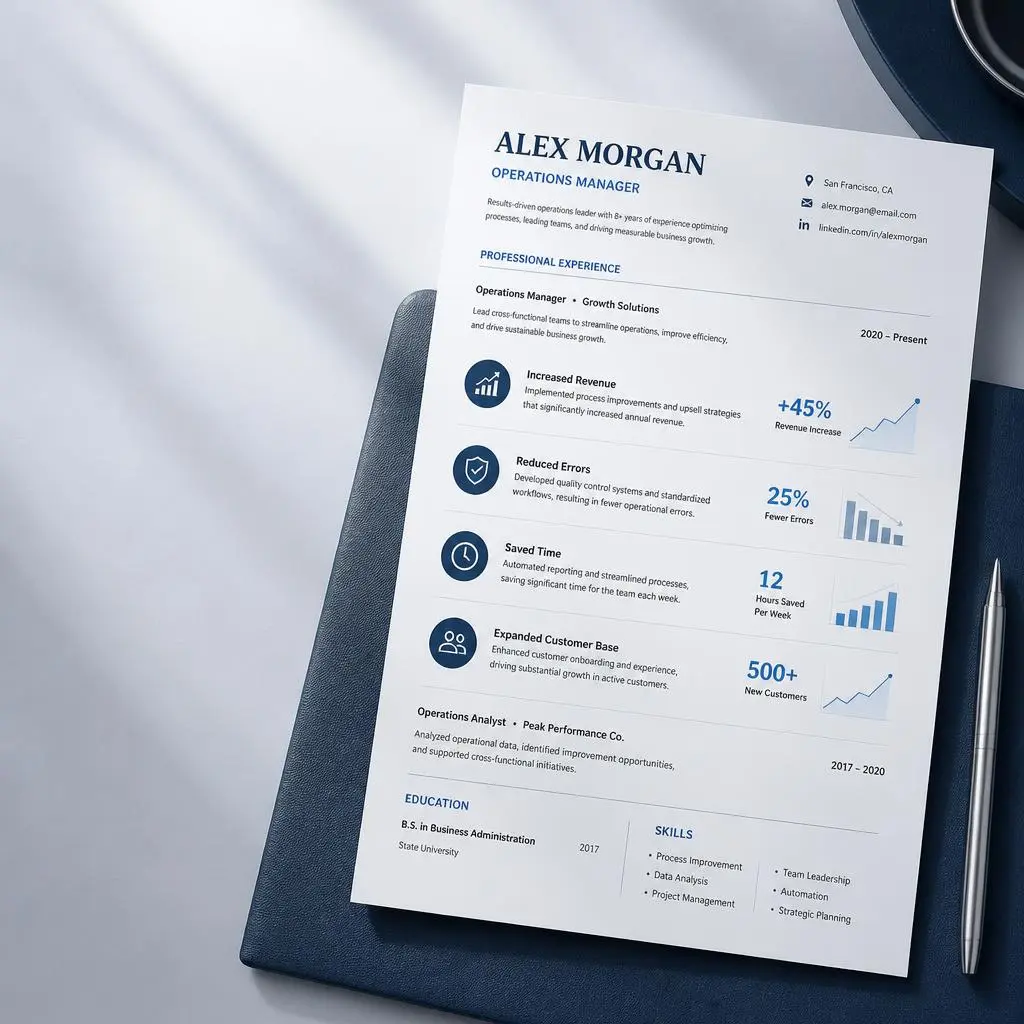
- Avoid visual graphics: Images and graphic elements generally provide less reliable information for resume parsing than actual text. Avoid visual skill rating bars, icons, pie charts, or logos.
- Avoid complex tables and floating text boxes: Information contained inside floating text boxes, complex multi-column layouts, or nested tables is often skipped entirely or parsed out of chronological order.
- Keep contact details in the main document body: Do not place critical information like your name, phone number, or email exclusively inside the document's header or footer margins. Older parsing engines often ignore header/footer content layers.
- Stick to standard typography: Use widely supported fonts such as Arial, Calibri, Helvetica, Georgia, or Times New Roman to reduce potential character-rendering issues.
To explore layout standards in detail, read our guide on creating an ATS-friendly resume format.
Want to check your resume's formatting before you apply? Use our ATS Format Checker to quickly identify common ATS compatibility issues.
2. Standardize Your Section Headings
Parsers rely on predictable section headings to determine where one category of information ends and another begins. Creative or unconventional headings confuse software logic.
| Non-Standard Heading (Risk of Misparsing) | Standard ATS Heading (Recommended) |
|---|---|
| Where I’ve Worked | Work Experience / Professional History |
| What I Bring to the Table | Skills / Core Competencies |
| Scholastic Achievements | Education |
| Credentials & Badges | Certifications |
3. Incorporate Keywords in Context
Integrating job description terminology is central to resume optimization, but keyword stuffing—such as appending an invisible block of white text or dumping a random list of terms at the bottom of the page—is ineffective. When an ATS extracts resume content, formatting information may be reduced or interpreted differently from how it appears in the original document, often exposing hidden white text cleanly to human recruiters.
Extract critical skills directly from the target job posting and integrate them naturally into your summary statement, work achievements, and skills lists. Reviewing strategies on finding and using resume keywords will help you identify high-priority terms for your target field.
4. Provide Both Full Terms and Common Acronyms
Different hiring managers search using different variations of the same professional qualification. One recruiter might filter for "Search Engine Optimization," while another searches for "SEO."
To ensure your profile surfaces regardless of the search string used, write out the full term and place the common abbreviation alongside it:
- Search Engine Optimization (SEO)
- Project Management Professional (PMP)
- User Experience (UX) / User Interface (UI)
- Certified Public Accountant (CPA)
5. Combine Hard Skills with Measurable Outcomes
A static list of core competencies tells a parser that you possess specific keywords, but proving impact requires showing how you applied those skills in practice. Construct bullet points that pair target terminology with quantifiable outcomes.
For actionable guidance on structuring high-impact achievements, read our detailed guide on writing resume bullet points.
ATS-Friendly Resume Content: Before and After Examples
To understand how keyword contextualization works in practice, compare these examples of weak resume phrasing with optimized ATS-friendly alternatives:
Example 1: Project Management Role
- Target Job Requirements: Agile methodology, Jira, stakeholder communication, sprint planning
- Weak Bullet Point: Managed software projects and worked closely with development teams to deliver updates.
- ATS-Optimized Bullet Point: Managed Agile software projects using Jira, leading sprint planning and facilitating cross-functional stakeholder communication to deliver quarterly releases on schedule.
Example 2: Digital Marketing Role
- Target Job Requirements: Search Engine Optimization (SEO), Google Analytics, content strategy, organic conversion
- Weak Bullet Point: Responsible for writing online content and growing traffic to the company site.
- ATS-Optimized Bullet Point: Executed a data-driven content strategy informed by Search Engine Optimization (SEO) and Google Analytics, driving a 40% increase in organic conversion over six months.
File Formats: PDF vs. Word for ATS
Choosing between a PDF and a Microsoft Word (.docx) file is one of the most common dilemmas job seekers face. While both formats are widely accepted, understanding their technical differences helps prevent submission issues.
| Format | Advantages | Considerations |
|---|---|---|
| Microsoft Word (.docx) | Widely supported across legacy and modern ATS platforms. Generally safer for complex formatting elements. | May experience subtle visual layout shifts when opened directly by human recruiters on different software versions. |
| Text-Based PDF (.pdf) | Preserves visual layout, typography, and structure identically across all devices and operating systems. | Must be exported directly from a word processor; scanned or image-based PDFs cannot be parsed by ATS software. |
Note: Always prioritize the application portal's or employer's explicitly requested file format. While both .docx and text-based PDFs work well with most modern systems, no single format is guaranteed to process identically across every ATS.
Want to see how your PDF resume is actually extracted? Try our Resume PDF Preview to check the text ATS software can read.
For a deeper technical comparison of file compatibility, review our guide on submitting a PDF vs Word resume for ATS.
Common ATS Resume Formatting and Structural Errors
Minor technical mistakes can lead to parsing errors or missing information. Avoiding these common structural pitfalls will keep your application clear and searchable:
- Custom Vector Bullet Characters: Using custom icons, arrows, or unique symbols as bullet points can cause extraction inconsistencies. Standard round or square bullet points are generally safer for parsing.
- Combining Work History into Single Blocks: Putting freelance work, personal projects, and formal full-time roles into a single unstructured text block makes it difficult for software to parse your career progression accurately.
- Ambiguous Date Formats: Dates written as "Summer 2023" can confuse chronological algorithms. Use consistent date formats such as
March 2021 – Presentor03/2021 – Present, and avoid ambiguous date structures. - Relying on Non-Standard File Formats: Avoid saving your resume as
.jpg,.png,.pages, or.txtunless explicitly requested.
Understanding these technical friction points makes it easier to diagnose why resumes are rejected by ATS platforms or overlooked during initial screening.
How to Tailor Your Resume to a Specific Job Description
Broad, generic resumes rarely achieve high match relevance across multiple distinct job postings. Tailoring your application to each target role significantly improves your visibility in recruiter searches.
Step 1: Identify Key Terminology
Carefully review the job posting and pull out recurring technical skills, required software tools, required certifications, and functional responsibilities.
Want to find the most important terms faster? Use our Job Description Keyword Extractor to identify key skills and qualifications from the posting.
Step 2: Mirror Job Description Phrasing
Where your actual background matches the posting, adjust your language to mirror the employer’s terminology. If the posting specifies "Budget Management," use that exact phrase rather than "Overseeing department finances." For step-by-step guidance, refer to our walkthrough on how to match a resume to a job description.
Step 3: Refine Your Professional Summary
Use your introductory summary to immediately state your core alignment with the role, incorporating key target terms alongside your overarching value proposition. Learn how to draft an impactful opening in our article on writing a strong resume summary.
To streamline this workflow, you can use resume analysis tools to extract core keywords from a job description and compare them with your resume before applying.
How to Test Your Resume Before Applying
-
Check the Extracted Text
Copy your resume text and paste it into a plain-text editor like Notepad. Verify whether your contact details, section headings, job titles, employment dates, and bullet points appear in a clear, logical order without missing or jumbled text. Keep in mind this manual check is a basic diagnostic tool, not a perfect simulation of every ATS parser. -
Run an ATS-Style Resume Check
Compare your resume against the target job posting using an ATS resume checker. Evaluate your text for missing industry terms, hard skills, key qualifications, and potential structural issues. -
Review Results and Make Targeted Fixes
Address genuine parsing errors and refine your language to better reflect the job description. Integrate relevant terminology naturally without keyword stuffing or exaggerating your experience. Note that passing an automated checker does not guarantee selection by every employer's specific ATS configuration. -
Perform a Final Human Review
Read through the document from a hiring manager's perspective. Ensure your resume remains concise, easy to scan, relevant to the position, and backed by measurable achievements.
Pre-Submission ATS Optimization Checklist
Run through this quick final checklist before submitting your job application:
- File Format: Saved as a text-based
.pdfor.docxfile as requested. - Layout Structure: Single-column or clean, simple format avoiding floating text boxes, complex nested tables, or layout-dependent formatting.
- Contact Details: Positioned clearly in the main body of the document, not locked inside header/footer margins.
- Headings: Standardized titles used (
Work Experience,Education,Skills,Certifications). - Font Selection: System-standard typography applied throughout (e.g., Arial, Calibri, Helvetica).
- Keywords: Core hard skills and job terminology matched naturally from the job description.
- Acronyms: Both expanded terms and common abbreviations included (e.g., Project Management Professional (PMP)).
- Dates: Consistent date formats used throughout (e.g.,
March 2021 – Presentor03/2021 – Present). - Bullet Points: Standard round or square bullet characters used.
- File Naming: Saved using a professional naming format (e.g.,
Firstname-Lastname-Resume.docx).
Debunking Common Myths About ATS Software
Misconceptions about how ATS technology operates often lead candidates to waste time or make unnecessary formatting sacrifices. Here is the truth behind common recruitment myths:
Myth 1: "An ATS automatically rejects candidates without human involvement."
Reality: Some hiring workflows can automatically filter or reject applications based on knockout questions or other employer-defined criteria. Other systems primarily organize and surface candidates for recruiter review, leaving evaluation decisions to human hiring teams.
Myth 2: "You can trick the system by putting hidden white text in your resume."
Reality: Inserting hidden keywords in white text is an outdated tactic that easily backfires. When an ATS extracts resume content, formatting information may be reduced or interpreted differently from how it appears in the original document. Recruiters viewing the parsed profile will see unstructured blocks of irrelevant words, usually leading to immediate rejection.
Myth 3: "Every Applicant Tracking System works in the exact same way."
Reality: ATS platforms vary significantly in technology, age, parsing sophistication, and feature sets. Enterprise platforms configured for high-volume corporate hiring operate differently than modern lightweight tools built for early-stage startups. Adhering to clean formatting and clear terminology ensures compatibility across all system types.
Frequently Asked Questions About ATS Resumes
What is an ATS and how does it work?
An Applicant Tracking System (ATS) is recruitment software that helps employers manage job applications. It can extract information from uploaded resumes and map it into structured candidate profiles. Recruiters use these profiles to track applicants, filter candidates by specific qualifications, and run targeted keyword searches across the talent pool.
What makes a resume ATS-friendly?
An ATS-friendly resume relies on a clean, single-column layout, standard section headings (like "Work Experience"), common fonts, and clear chronological dates. It incorporates target industry terms naturally within bullet points, avoiding graphic elements, text boxes, or complex tables that interfere with text extraction.
Is PDF or Word better for an ATS resume?
Both Microsoft Word (.docx) and text-based PDF formats work well with most modern applicant tracking systems. Always follow any explicitly requested file format in the application portal. If no format is specified, a text-based PDF preserves visual layout reliably, while a .docx file is generally safest for legacy systems.
Can ATS systems read tables and columns?
Complex tables, nested structures, multi-column designs, and floating text boxes frequently cause parsing issues because software may extract text out of its intended reading order. For maximum compatibility across various platforms, keep your layout linear and use simple text lists rather than layout-dependent tables.
How can I check if my resume is ATS-friendly?
You can perform a basic visual test by copying your resume text into a plain-text editor like Notepad to verify that information flows logically. For a comprehensive check against job-specific terminology, test your document using an online ATS resume checker before submitting.
What is a good ATS score?
There is no universal ATS score threshold that guarantees a strong application. Scores are calculated differently across tools, so use the score as a diagnostic indicator rather than a pass/fail benchmark. Focus on matching relevant qualifications and keywords naturally while keeping the resume accurate and readable. Understanding what an ATS score is and learning how to evaluate a good ATS score can help you benchmark your resume effectively without chasing an arbitrary number.
Conclusion
Optimizing your resume for Applicant Tracking Systems is not about gaming an algorithm—it is about presenting your career history in a clear, structured, and accessible format that both software parsers and human recruiters can quickly interpret.
By relying on standard section headers, clean typography, structured layouts, and thoughtful keyword alignment, you remove technical obstacles that could otherwise hold your application back. Focus on presenting genuine achievements with clarity and precision, and your resume is more likely to remain readable, relevant, and easy for recruiters to evaluate.
Analyze Your Resume Right Now
Use our AI to see your resume's ATS score and receive improvement suggestions
Start for Free